1
15s · 5 panels
Video length & output
6–15s. One storyboard of up to 5 panels (3s each); the model animates it into one video.
6s9s15s
Storyboard
white 16:9 sheet
Director
2
0 / 9
Upload your garment
Saree, kurta, shirt, dress — any cloth. 1–9 images.
For the best result, upload a few different photos of your one garment — front, back, and a close-up. A single clear photo works too:
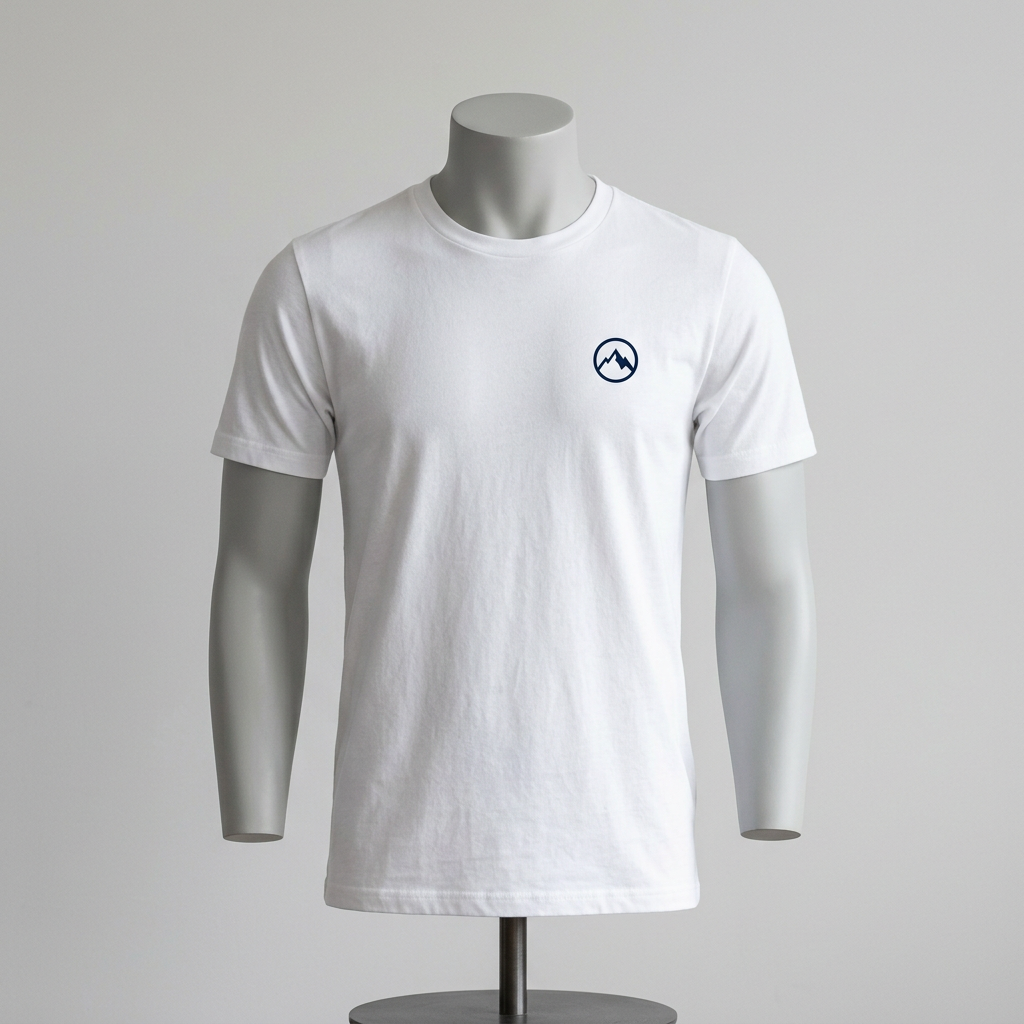
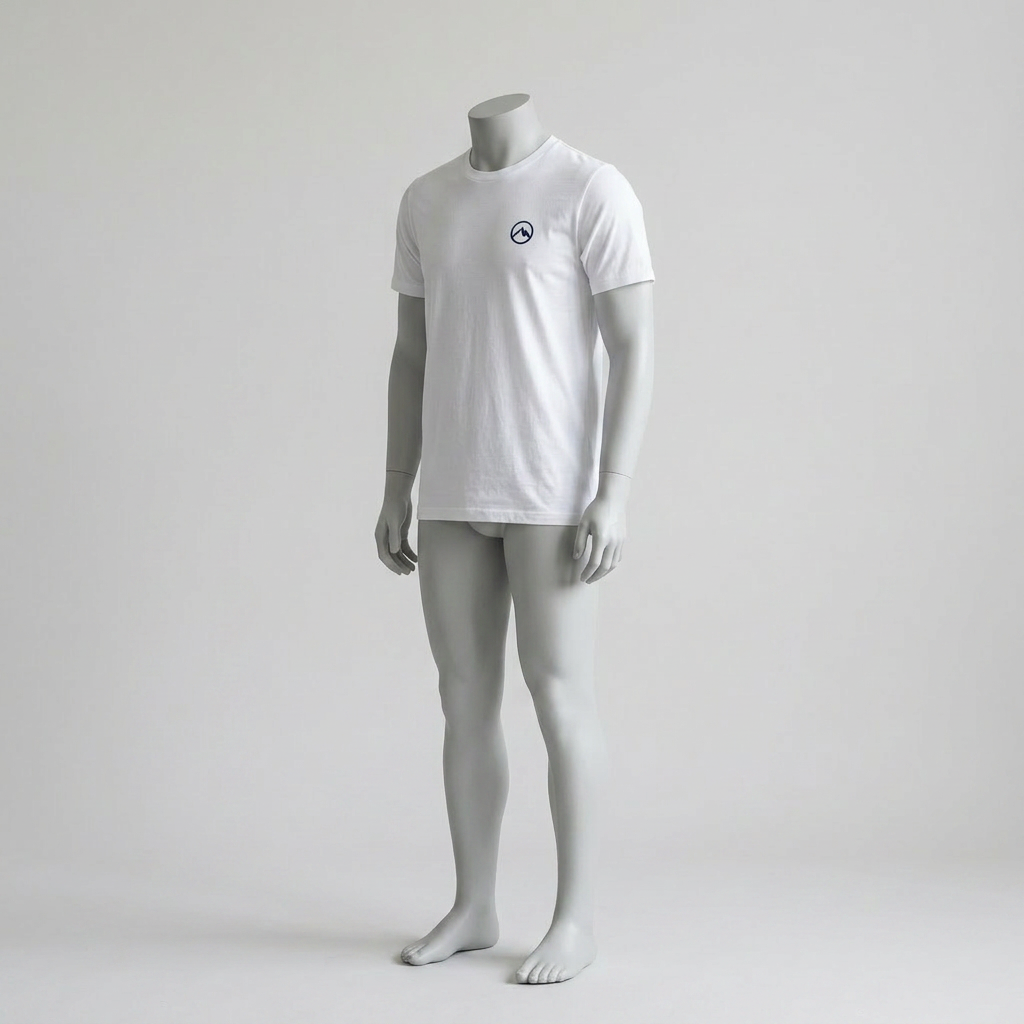
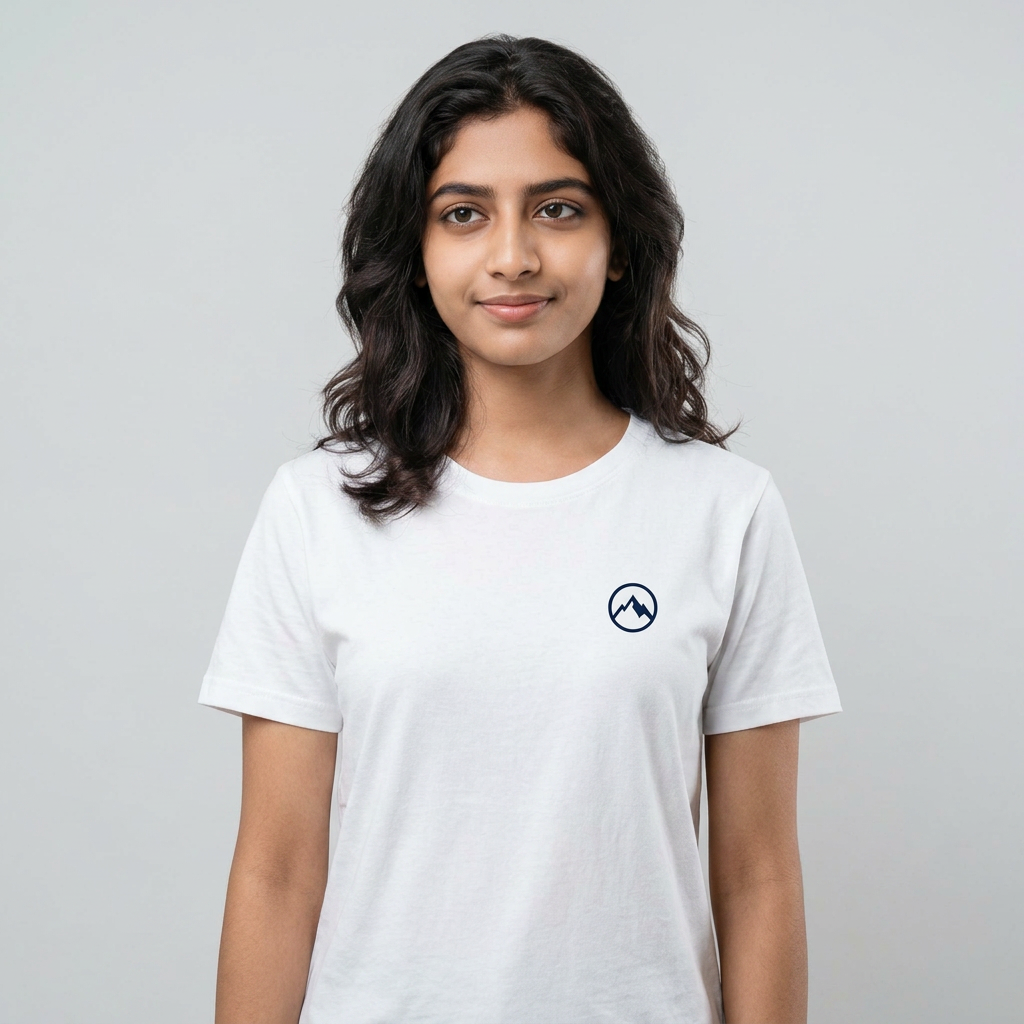
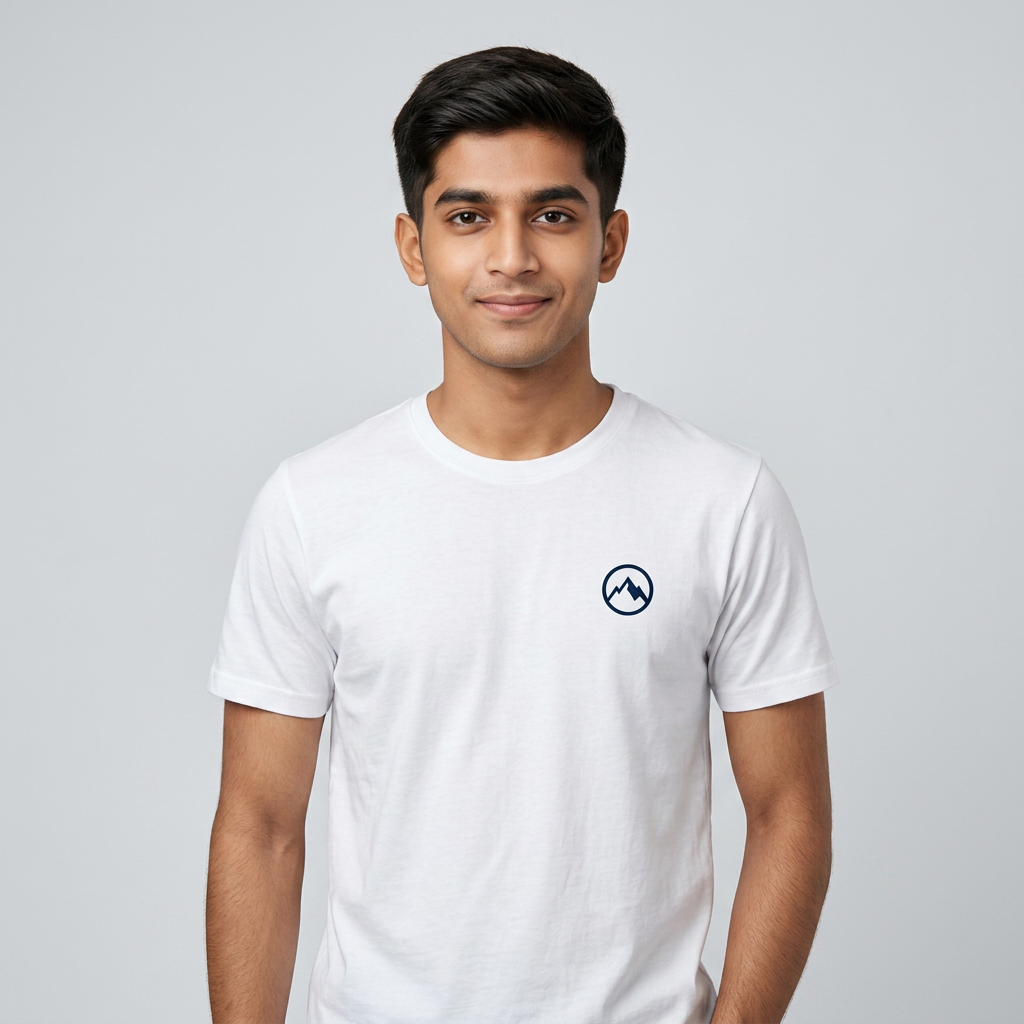
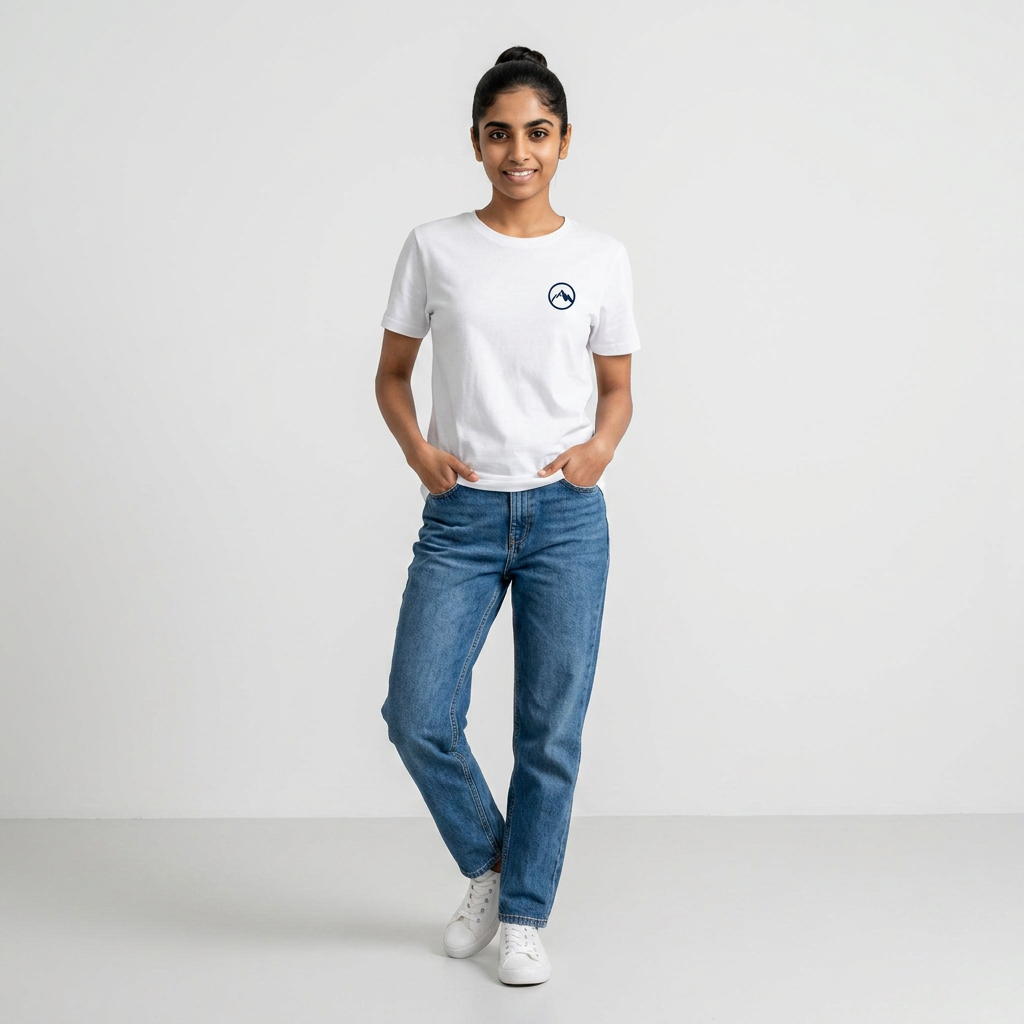
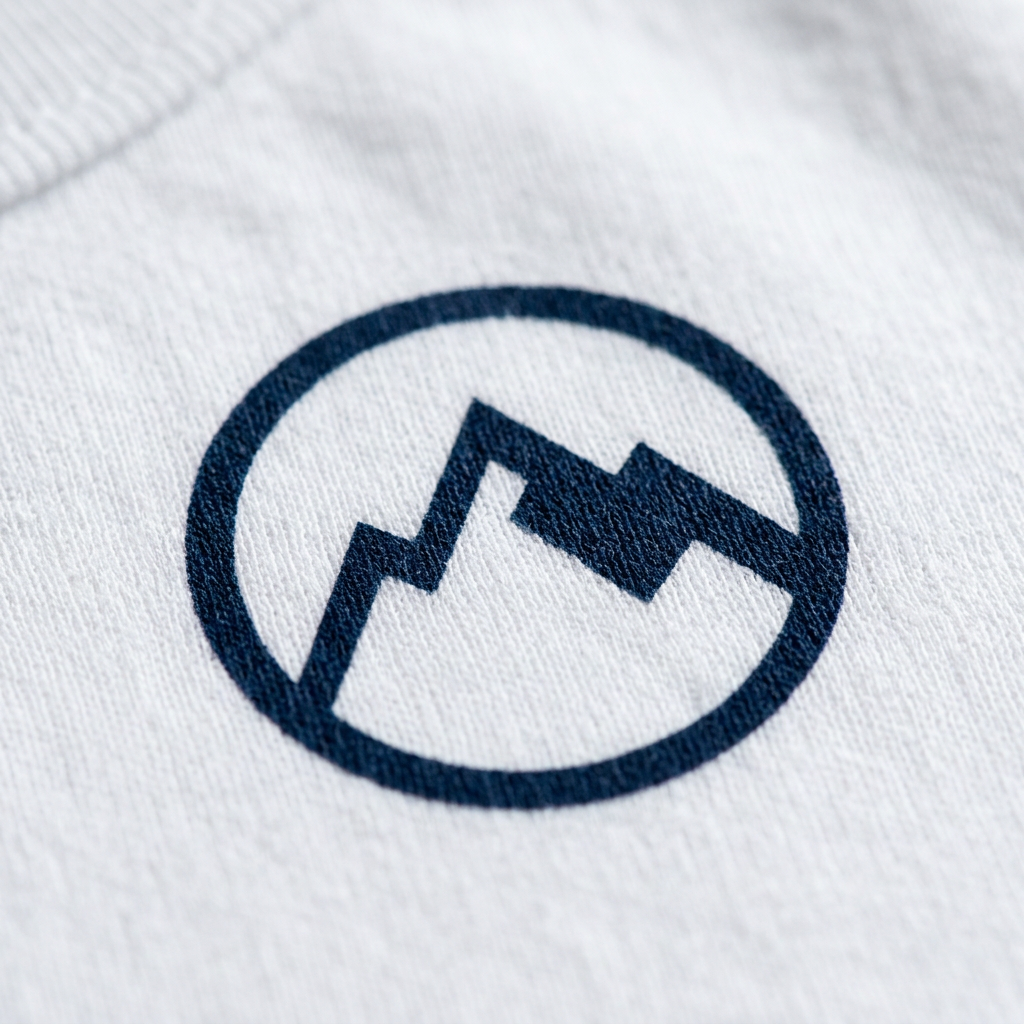
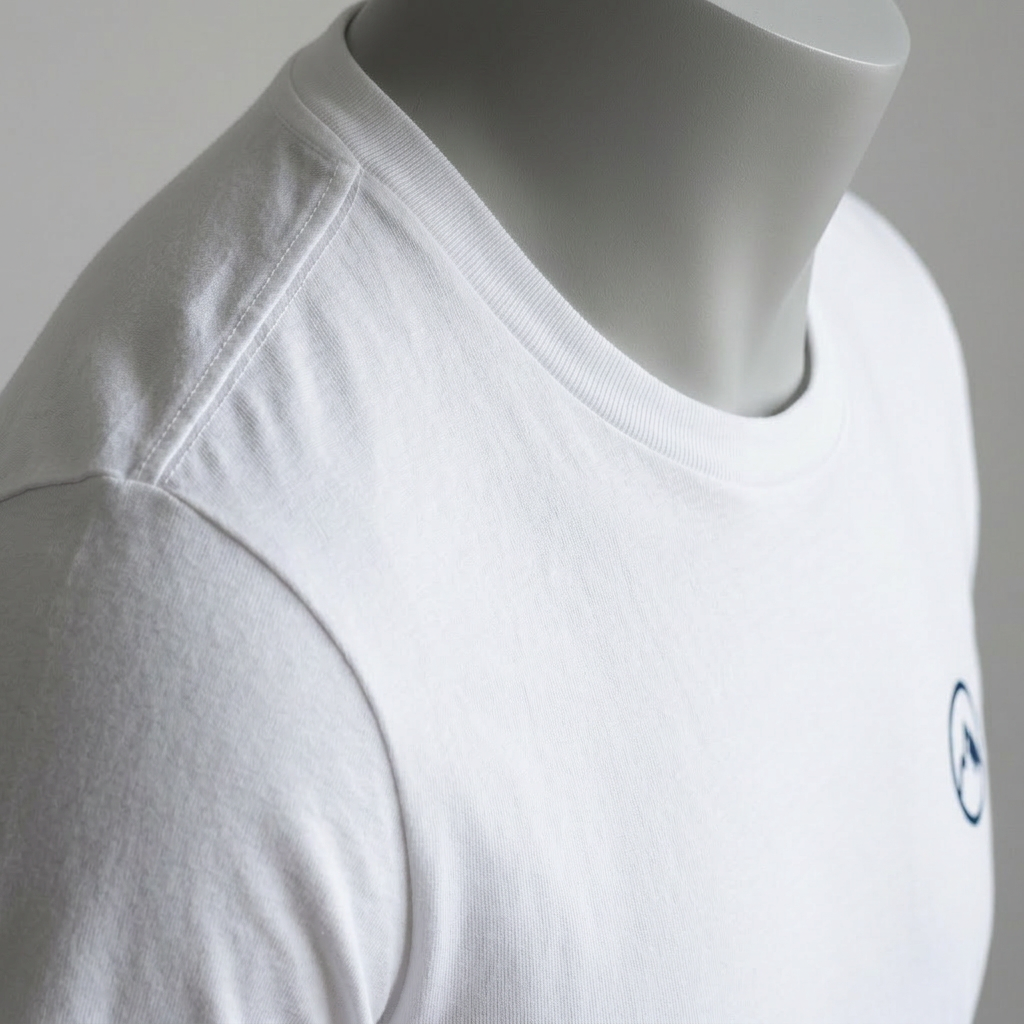
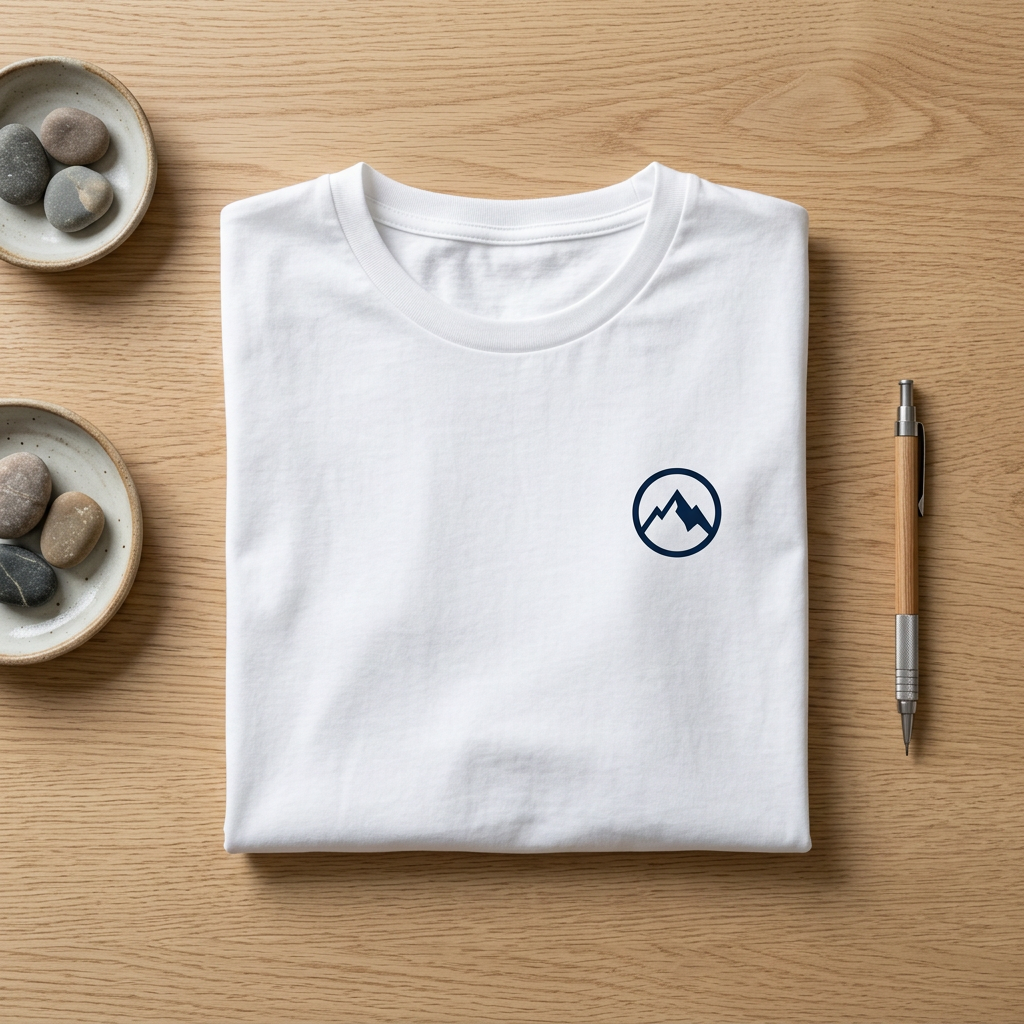
3
None selected
Choose a model face
Pick a ready face, or upload your own.
4
Scene & style
Pick the setting and any poses to include. The same setting is kept across every frame.
Background
Include (optional)
5
Video
Pick your video model, resolution and aspect.
Upload your garment and pick a model to begin.
Storyboard
Your storyboard sheet(s) — 5 panels each (~15s). Refine any shot below.
Panels — tap a shot's note to refine it